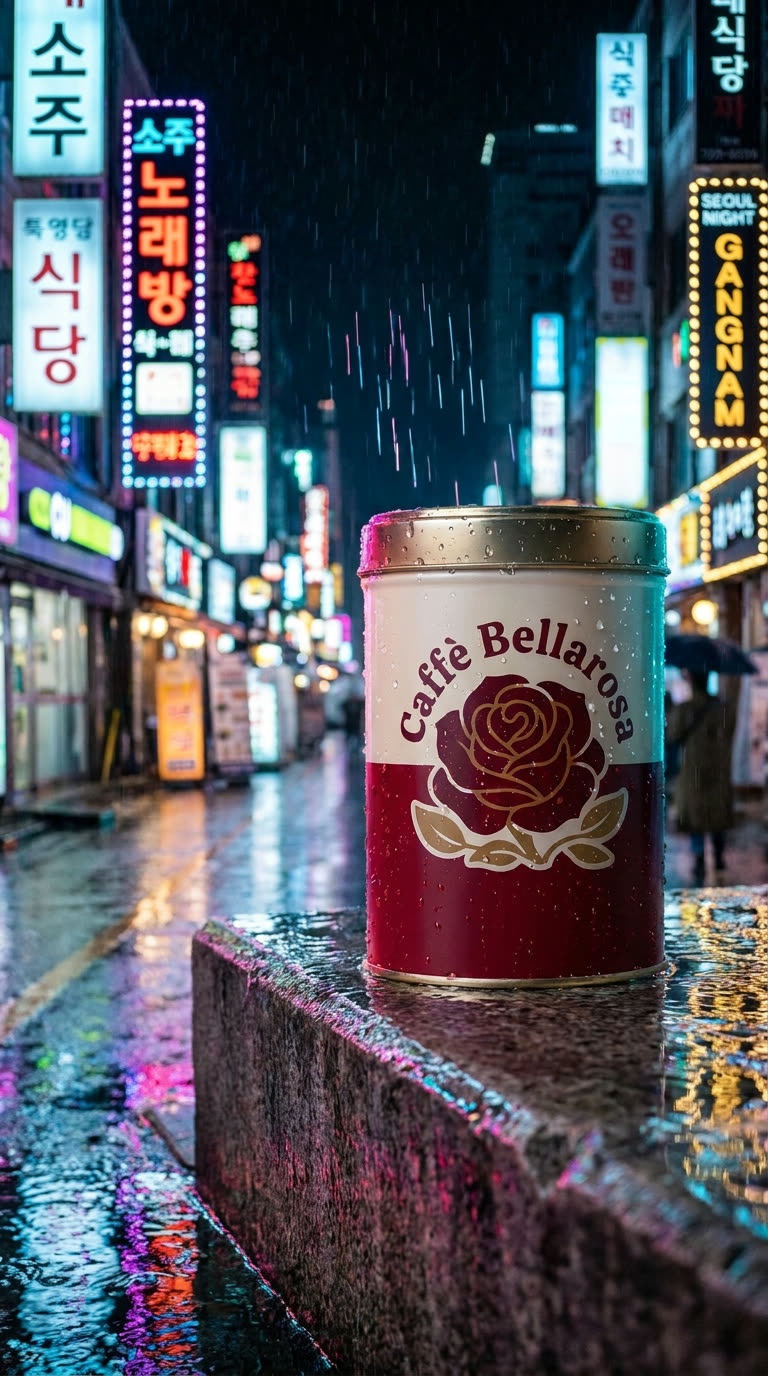
Save the product once, name it in every prompt. One coffee tin, from logo to three scenes.
AI image models are good at making a beautiful product shot once. They are bad at making the same product twice. Ask for your coffee tin in a café and then on a quay, and you get two different tins.
The fix is to save the product as a reference and name it in every prompt. Here is how I made one tin, from logo to three scenes, and kept it the same.
Saving a reference
References in Chitra Studio. Each saved reference gets an @name you can use in any prompt.
Open the picture of your product and choose Save as New Reference. Give it a name, such as CaffeBellarosaTin.
Places and people can be references too. My @CanalQuay is the Grand Canal picture from the editing article, and @SeoulAlley is a neon alley from another project.
In a prompt, type @ and the name. The reference's pictures are sent with the prompt, so the model works from your product, not from a description of it.
From a logo to a tin
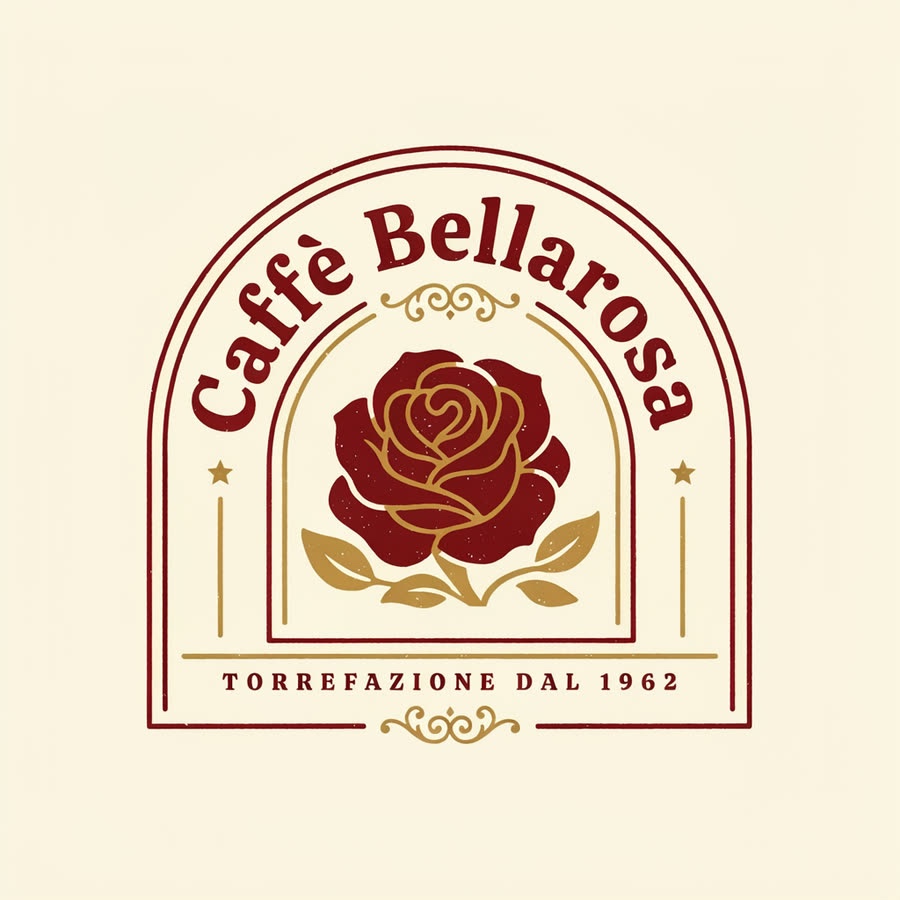
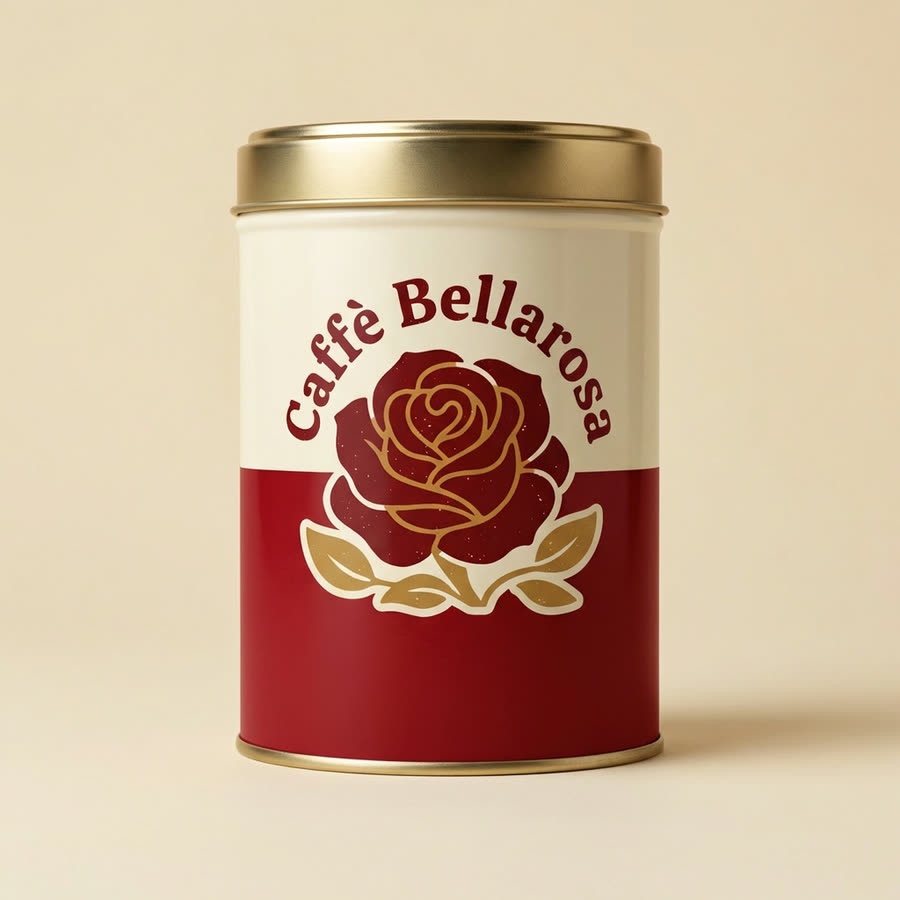
1. The logo · Ideogram 4.531 creditsPrompt"Flat vector logo design for an Italian coffee roaster, centered arched vintage badge aesthetic. A detailed, stylized rose emblem rests in the center in deep crimson red and warm metallic gold. Bold arched vintage serif typography reads "Caffè Bellarosa" along the upper curve, with "Torrefazione dal 1962" set in refined small caps along the bottom. Clean linework, mid-century Italian packaging style, warm cream background, perfectly symmetrical composition, screen-printed texture, filling the frame."2. The tin · Nano Banana Pro Edit21 credits · made from the logoPrompt"Studio product photography of an elegant cylindrical coffee tin centered on a seamless warm cream background. The tin features a rich deep crimson red lower section and an ivory cream upper band, topped with a polished brushed gold metal lid. The specific logo is featured precisely on the front, completely free of any extra text, labels, or typography. Shot eye-level with an 85mm lens, soft diffuse commercial studio lighting, crisp metallic highlights on the rim, and subtle grounding drop shadows. Refined, minimalist, premium aesthetic."
Ideogram is good with lettering: "Caffè Bellarosa" and "Torrefazione dal 1962" came out spelled right. The tin was then made from the logo, so the label is the real logo, not a model's guess at it.
One tin, three places
With the tin saved as @CaffeBellarosaTin and the places saved as @CanalQuay and @SeoulAlley, each scene is one prompt.
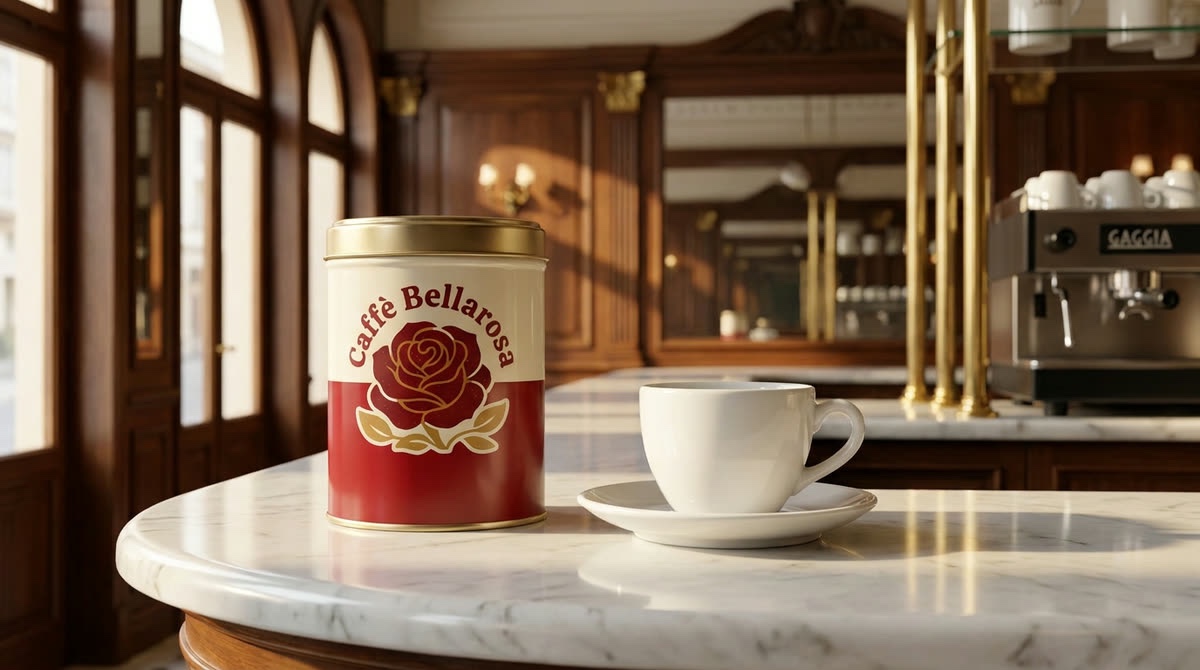
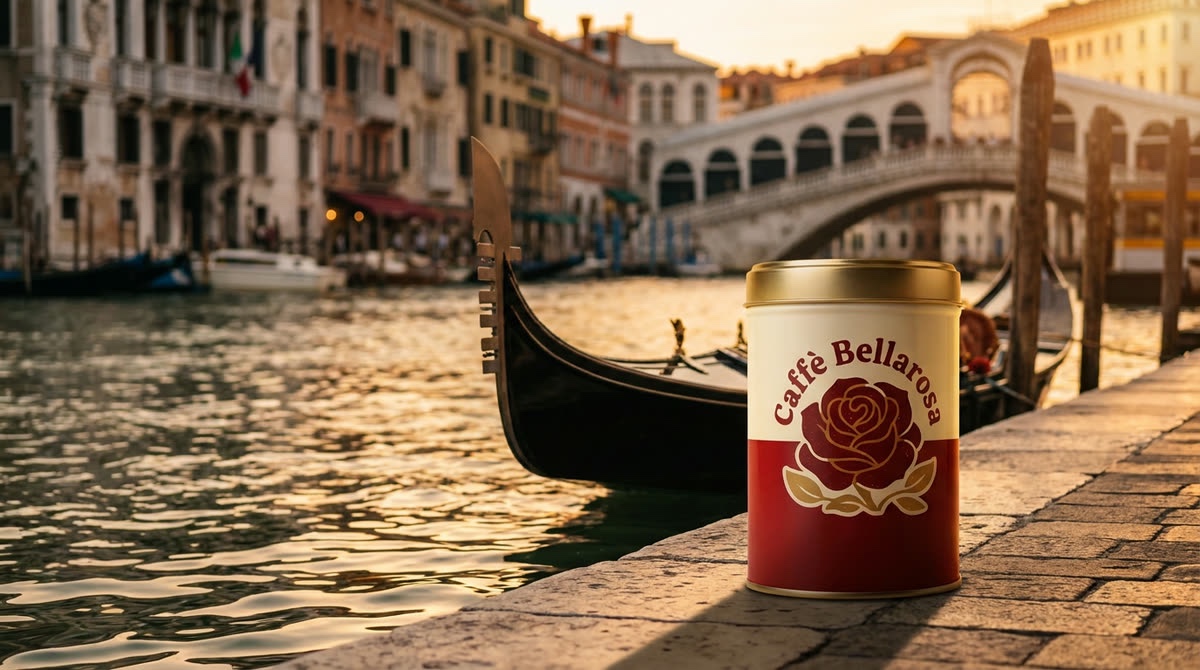
A Milan espresso bar · Nano Banana Pro Edit21 creditsPrompt"Eye-level medium close-up of the @CaffeBellarosaTin coffee tin resting on a polished Carrara marble counter inside an ornate, historic Milanese espresso bar. Next to the tin, a single classic white ceramic espresso cup sits quietly on its saucer with no steam. Soft, directional morning sunlight streams through tall arched windows, casting gentle warm highlights and long shadows across dark wood paneling and brass accents. Clean, balanced composition with generous empty vertical space above the cup. 50mm lens, refined European cafe ambiance, shallow depth of field."A Venice canal quay · Nano Banana Pro Edit21 creditsPrompt"A low-angle product photograph of this coffee tin @CaffeBellarosaTin set prominently in the foreground on the stone quay @CanalQuay. In the immediate midground, a traditional black gondola rests gently moored in rippling canal water. Rich, low-angled golden hour sunlight bathes the scene, casting long shadows across the paving and creating shimmering amber highlights on the water's surface. Shot with a 50mm lens, shallow depth of field, crisp foreground details with a soft-focus background, evoking an elegant, tranquil Italian atmosphere."A Seoul alley in the rain · Nano Banana Pro Edit21 creditsPrompt"A close-up photograph of the coffee tin @CaffeBellarosaTin resting on a wet concrete ledge in the neon alley @SeoulAlley at night. Fine rain falls in sharp, illuminated streaks through vibrant glows of magenta, cyan, and golden streetlights. Water droplets bead along the metal surface and the slick stone ledge. In the shallow depth of field background, the alley features glistening wet asphalt and luminous hanging signage blurred into colorful bokeh. Cinematic, moody atmosphere, rich contrast, 50mm lens photography."
The label, the rose and the gold lid stay the same in all three. Only the light, the angle and the weather change, which is what the prompts asked for.
The espresso bar shot then became a clip, after one more edit to take the lettering off the espresso machine: steam rising from the cup, with nothing else moving. You can see it in How to turn an AI image into a video clip.
Tips
Start from a clean product shot. A plain background makes the best reference: the model sees only the product.
Name the reference, then describe the scene. The @name carries what the product looks like, so the prompt can be about light, place and angle.
Save places too. A saved location keeps a series of shots in the same world.
Check the label up close. Small lettering is where a copy most often drifts. Zoom in before you use a shot.
 Chitra Studio