 Chitra Studio
Talking Video27 October 2026
Make a photo talk: a script, a voice and one picture
Write the words, choose a voice, drop a photo. What it looks like, what it cost on a real run, and where it is still stiff.
A person speaking to camera is the shape of a lot of useful video: a welcome, a lesson, a spokesperson. Talking Video makes one from a photo and a script. Here are eight seconds, made from a single portrait.
A portrait in, a speaker out
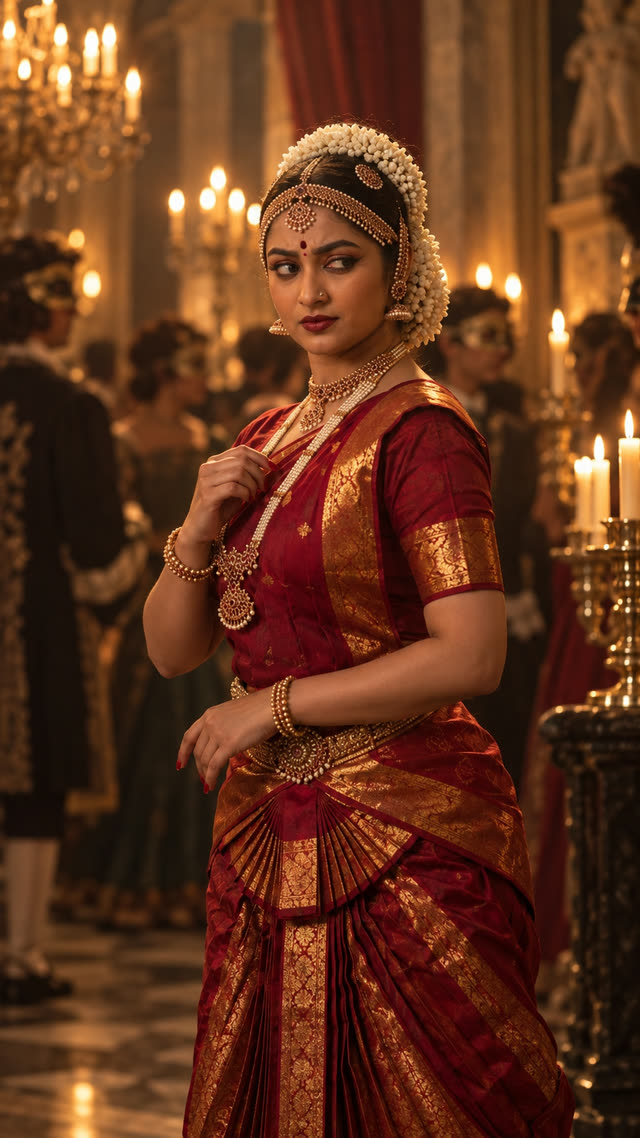
Press the speaker to hear it. The voice is made first from the script, then the picture is animated to speak it.
How to do it
- On the Make tab, choose Talking Video.
- Drop the photo, or choose one from your library.
- Write the script and choose a voice.
- Choose a size, 480p to start, and read the price before it runs.
The script needs to run at least five seconds, about 75 characters. The clip is as long as the voice.
What it costs
This 7.7-second clip cost 56 credits at 480p and the voice 1 credit more. It took 25 seconds. The price follows the length of the voice and the size you choose, so the first try can be short and small.
Where it is still stiff
The face speaks well: the lips follow the words and the head moves a little. The body does not. In our runs the shoulders and arms stay close to still while the face talks. For now that means a talking head is a head, so frame the photo from the chest up, or cut away to other shots while the voice carries on. Narrated Video does the second: your pictures, each moving slowly, under a voice.
Make your own talking video
Chitra Studio is a Mac app for making and organising AI images, video and sound with more than 60 models. Every price is shown before you generate.
Download for Mac14-day free trial · 50 free credits · no card