 Chitra Studio
Contact Sheets17 October 2026
One prompt, five AI image models
Comparing Seedream 5.0 Pro, GPT Image 2.5, FLUX.1 Schnell, Nano Banana 2 and FLUX 3 on the same prompt, with prices, times and ratings.
A new image model comes out every week, and each one claims to be the best. The only way I know to choose is to run the same prompt on several of them and look at the results side by side.
Here is one prompt on five models, with what each cost, how long it took and how I rated it.
One prompt, five models at once
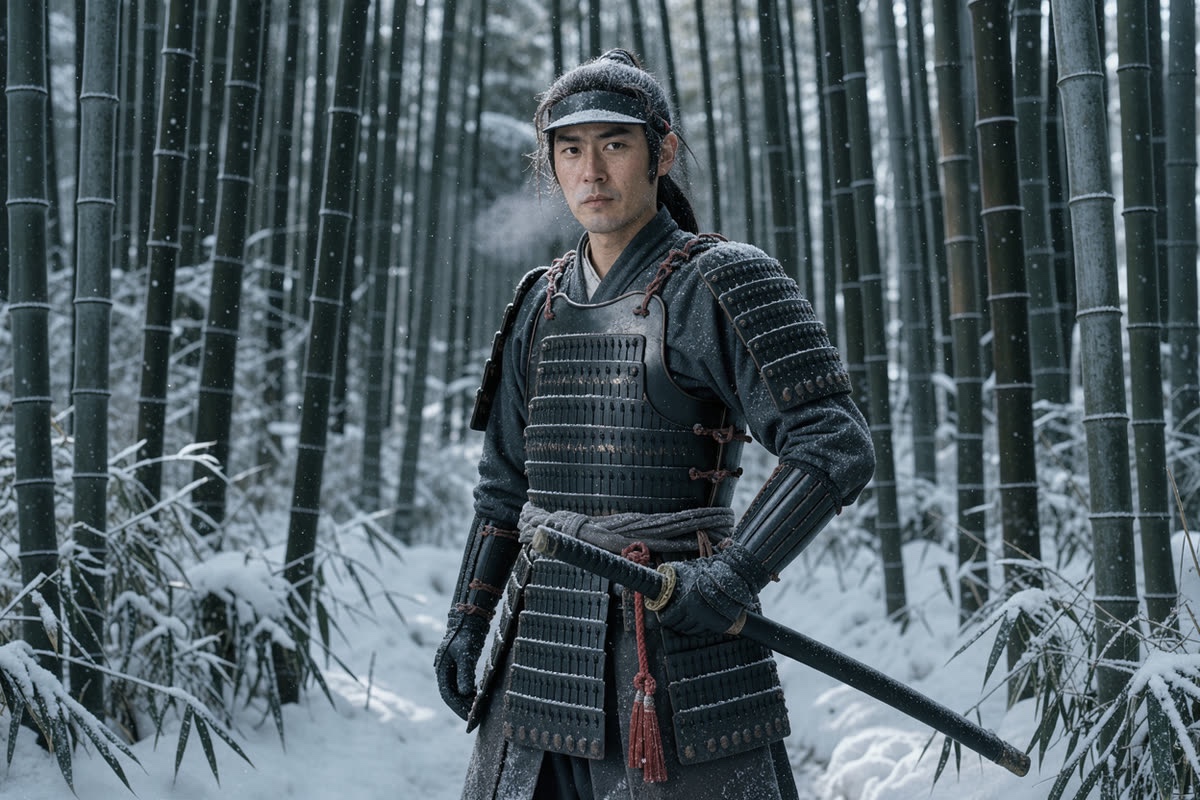
Cinematic medium shot of a solitary samurai standing motionless in a dense, snow-covered bamboo grove. He wears weathered, blackened iron armor dusted with frost, one gloved hand resting firmly on the hilt of his katana. A single vibrant crimson braided cord hangs from the scabbard, piercing the cold. Pale, diffused winter daylight filters through towering bamboo, casting an atmospheric, desaturated blue-grey and charcoal palette. Gentle snowfall drifts through the stillness with faint visible breath. Sharp focus, moody historical cinema still.
Every model got exactly these words, at the same 3:2 shape.
- Write the prompt once.
- Pick the models to compare. The price of each is shown before you start.
- Press Generate. The results arrive on one contact sheet, each labelled with its model and cost.
- Rate them, keep the best and carry on from it.
The results
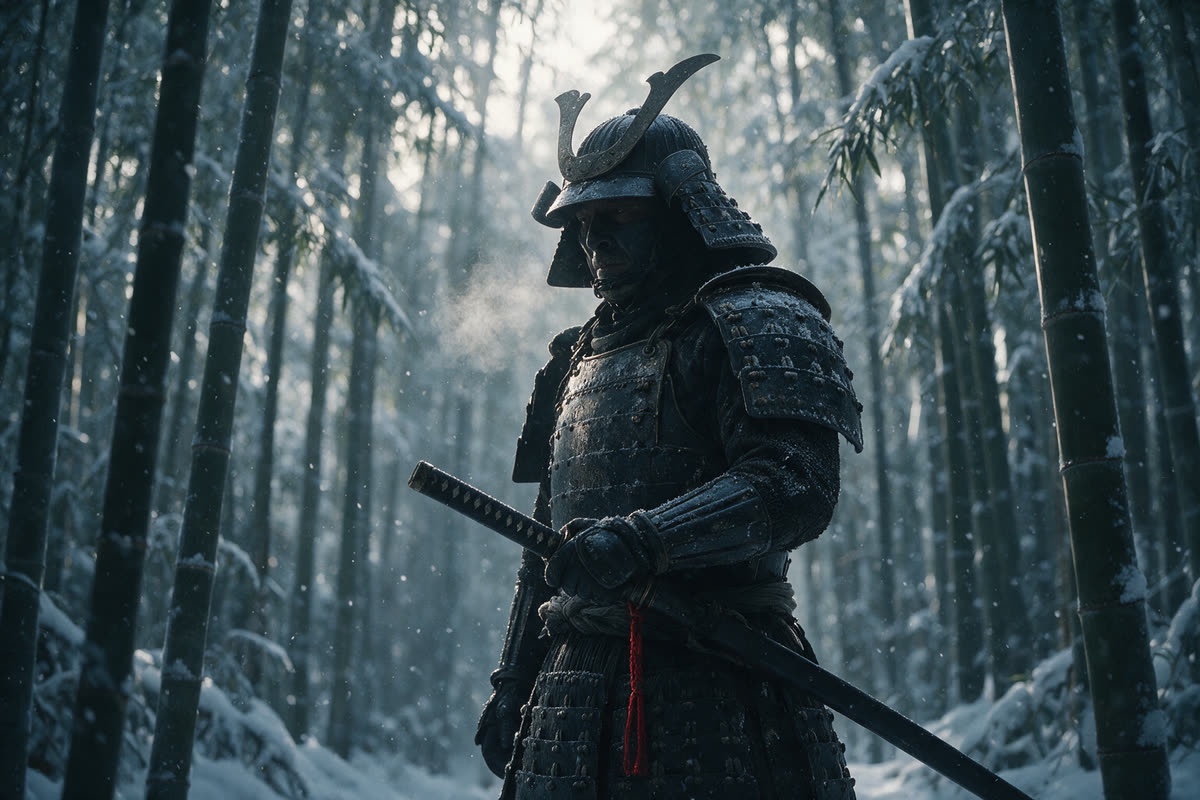
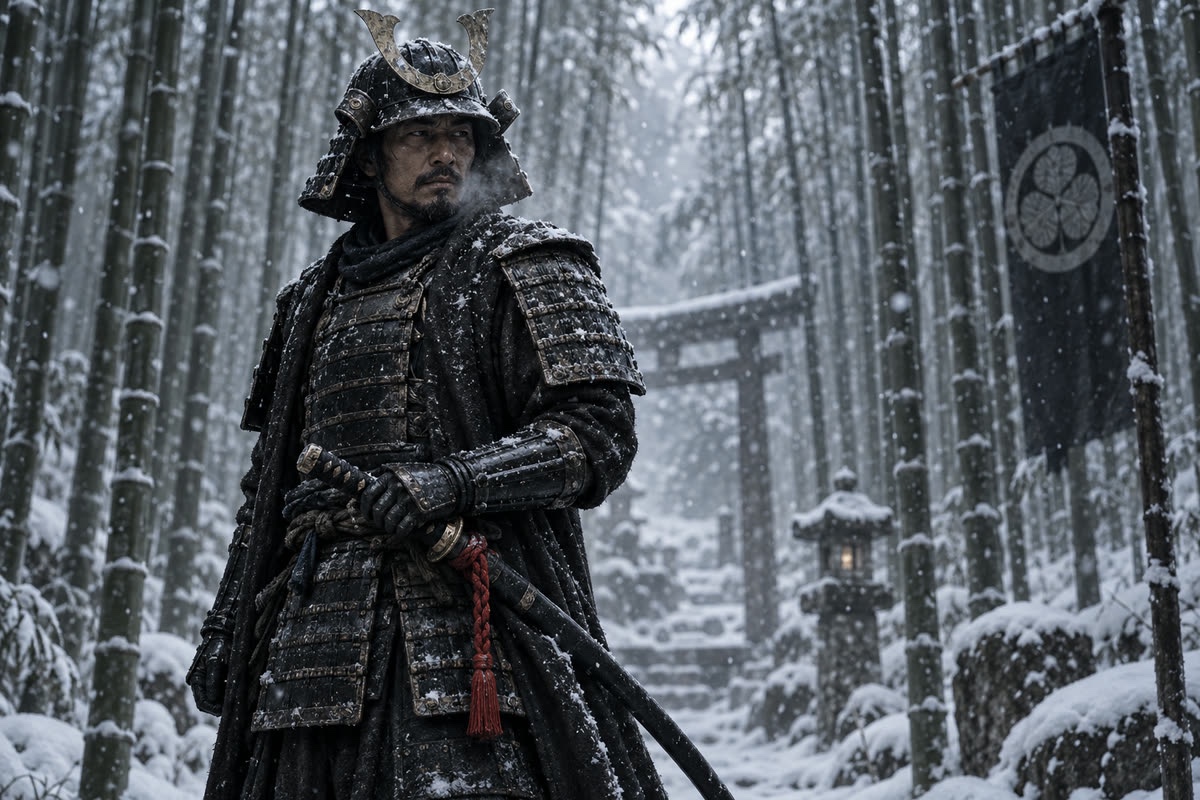
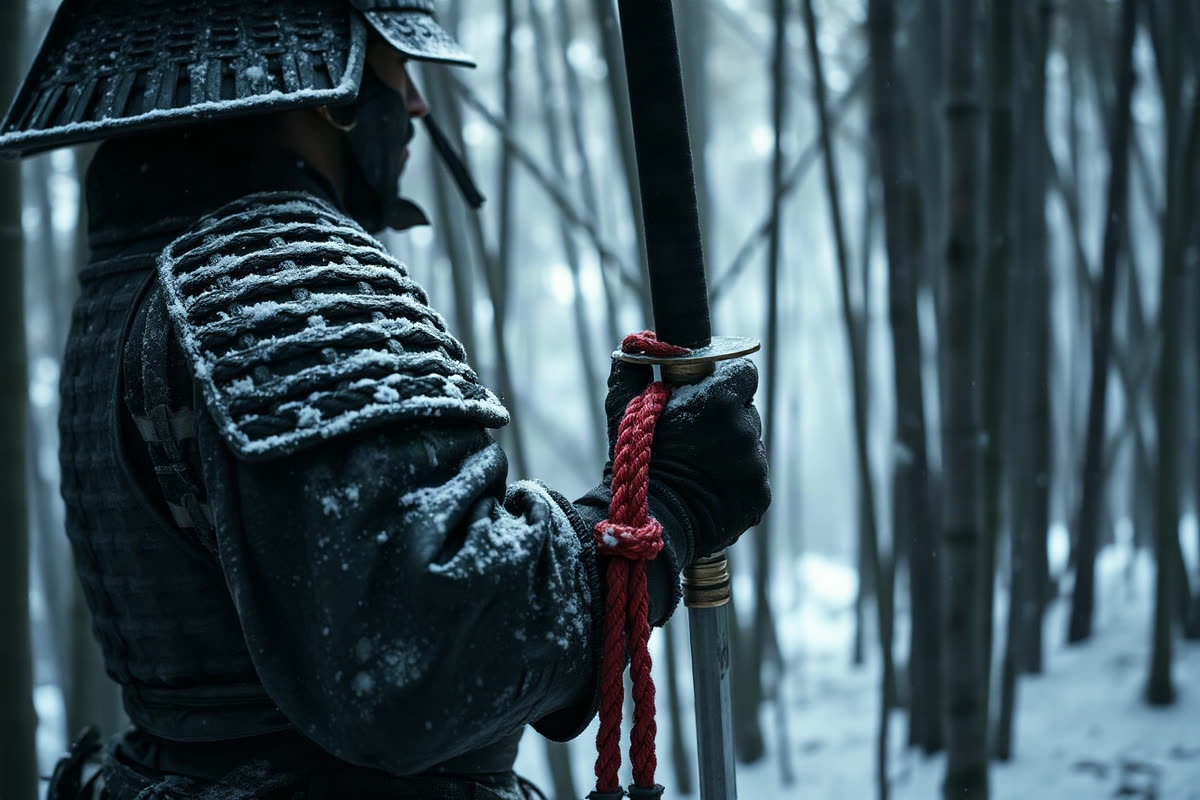
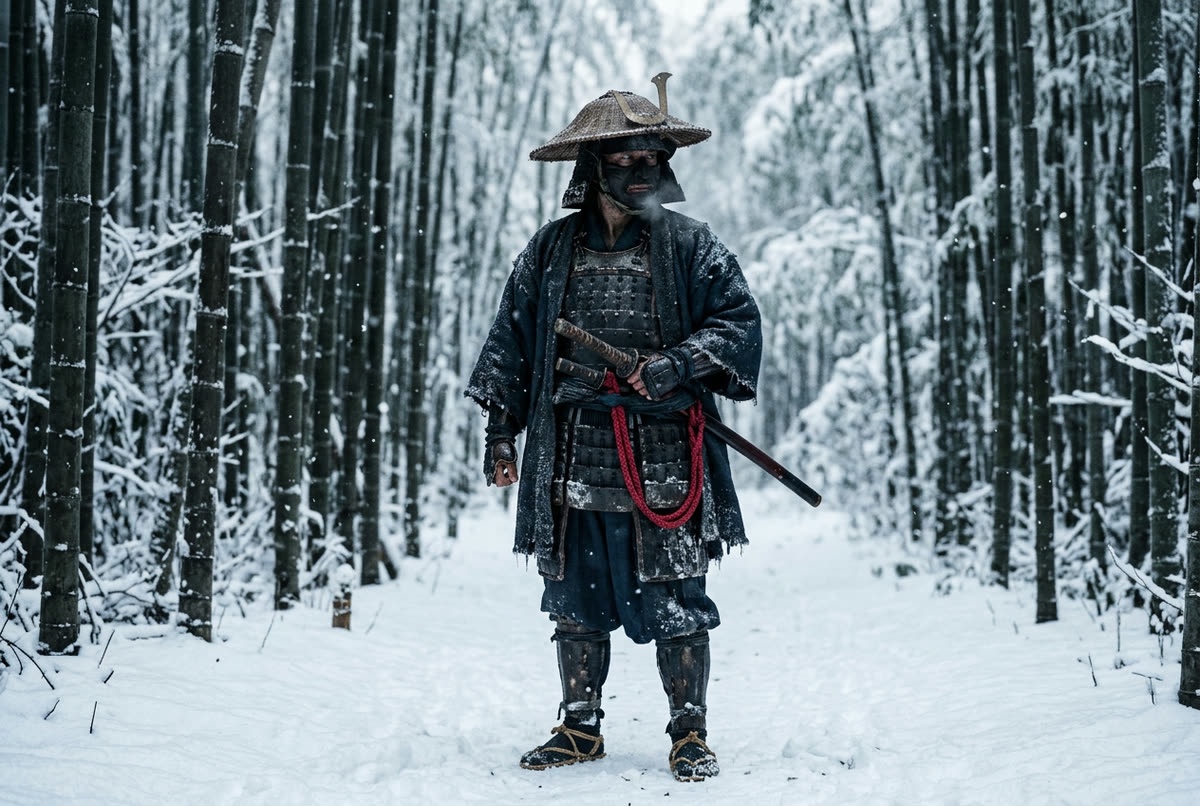
What I took from it
- Price does not predict the winner. The most expensive model here, Nano Banana 2 at 12 credits, came fourth in my ratings. Seedream 5.0 Pro, at 10, came first.
- Models add things you did not ask for. GPT Image 2.5 built a shrine around the samurai. That can be a happy accident or a problem, depending on the job.
- Framing words are not always followed. I asked for a medium shot. I got a close shot, a full-length shot and three medium shots.
- The cheapest model is a good first pass. At one credit, FLUX.1 Schnell is a quick way to test a prompt before spending more on the others.
The whole sheet cost 33 credits ($0.33). I went on to animate the Seedream picture, which you can see in How to turn an AI image into a video clip.
Tips for your own comparisons
- Compare on the prompt you actually need, not a generic test. Models that win on portraits can lose on products.
- Keep the shape the same so the framing is comparable.
- Rate as you go. A star rating on each result makes the winner easy to find later, and tells you which model to try first next time.
Compare models on your own prompts
Chitra Studio is a Mac app for making and organising AI images, video and sound with more than 60 models. Every price is shown before you generate.
Download for Mac14-day free trial · 50 free credits · no card